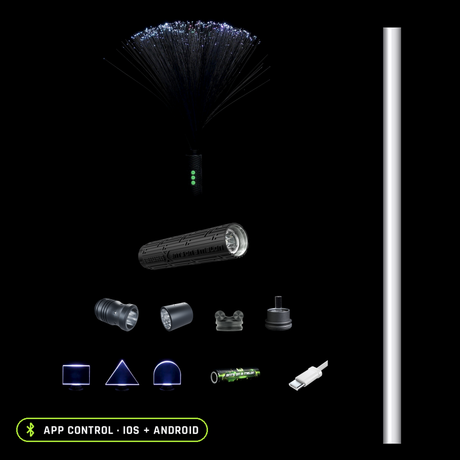
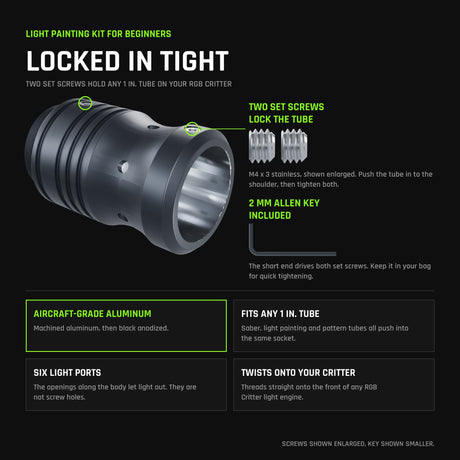
A fiber optic whip has exactly three things that can fail: the fibers, the battery path, and the light that drives them. That is good news, because it means most "broken" whips are a ten minute fix, and the majority of whips that land on our repair bench leave working the same day. We design the BitWhip in Oregon and we repair the ones that come back, so this guide is organized the way our bench is: by symptom. Find yours below, whatever brand you spin.
The short version
Dim trail or dark patches
Usually the fibers
Grime on the strands scatters light, and fractured strands go dark for good. Clean base to tip first; if a section stays dim, the fiber head has worn out and swaps for a new one.
From $29.95
Flickering
Usually the battery path
A drained or aging cell, dirty contacts, or a loose cap. A fresh 18650 and a contact wipe clear most flicker without tools.
$9.95
Will not turn on
Charge, then orientation
Charge it fully first, then check the cell is in the right way around and seated. A known-good spare cell settles the diagnosis in seconds.
Free fixes first
Start here: which problem do you actually have?
Whip faults sort cleanly by symptom, so diagnose before you spend a cent. A trail that is dimmer than it used to be, or dim in patches, is a fiber problem. Light that stutters or cuts out mid-swing is a battery path problem. A whip that does nothing at all is a charge, battery, or (rarely) electronics problem. A head that wobbles or unscrews itself is a connection problem. Work through the matching section below, cheapest fix first.
Broken or crushed fibers: dim trail, dark patches
Symptom: the whip lights up fine, but the trail is duller than it was, one side of the bundle looks dark, or individual strands have stopped carrying light to the tip.
Diagnosis: fiber optics carry light along their length, so anything coating the surface scatters and dims your trails, and any strand that has fractured internally goes dark from the break onward. Run the bundle slowly through your hand under power in a dark room: dirty fiber dims evenly and cleans up, fractured fiber shows a hard cutoff where the light stops.
Fix, in order:
-
Clean the bundle. Dampen a microfiber cloth with a little lukewarm water and draw the bundle gently through it, base to tip, never against the grain. Skip harsh solvents, which can cloud the fiber surface. Lay the whip flat and let it air dry completely before powering on.
-
Tuck the stragglers. Loose strands that escape the bundle snag and snap mid-spin. Tucking them back in early is the cheapest fiber repair there is.
-
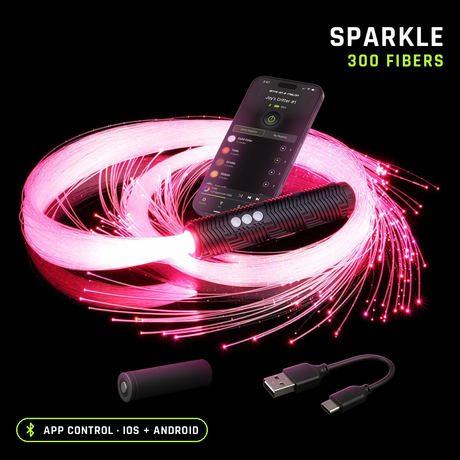
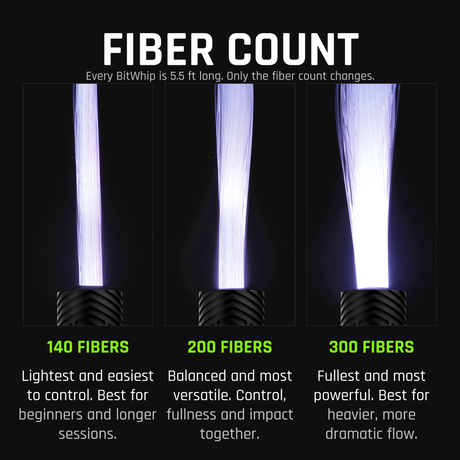
Replace the head if a section stays dim. Individual fibers cannot be usefully mended once fractured; the repair is a fresh head, not a splice. On the BitWhip the replacement fiber head twists on in seconds and runs $29.95 to $54.95 depending on fiber count, in End Glow or Sparkle, 140 to 300 fibers, and 5.5 or 7 foot lengths, so a worn bundle never means a new whip.
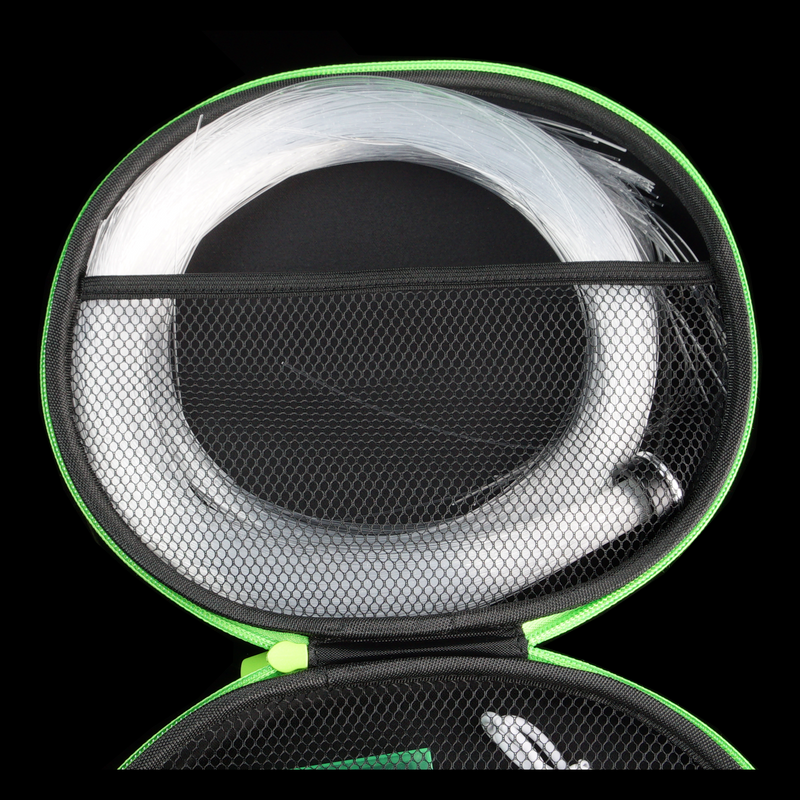
Two notes on prevention while you are here. Fibers rarely die mid-performance; the crushing usually happens in a gear bag or a hot trunk, which is what the hard-shell BitWhip Travel Case ($29.95) exists to stop. And sparkle-style fiber on any brand breaks sooner under hard contact than end glow, because the notches that make the twinkle are stress points; the full physics is in our End Glow vs Sparkle guide.
Flickering: work the battery path in order
Symptom: the light stutters, dims and recovers, or cuts out when the whip changes direction, then comes back.
Diagnosis: flicker that follows movement is almost never the LED itself. It is the battery path: the cell, the contacts it presses against, or the cap holding it all under tension. On our bench, most flickering whips of any brand walk out fixed by a fresh battery and clean contacts.
Fix, in order:
-
Tighten everything. A cap that has backed off an eighth of a turn is enough to break contact under swing forces. Snug the battery cap and reseat the fiber head.
-
Clean the contacts. Pop the cell out and wipe both battery ends and the contacts in the light with a clean, dry cloth. Grit and oxide film are invisible and completely sufficient to cause flicker.
-
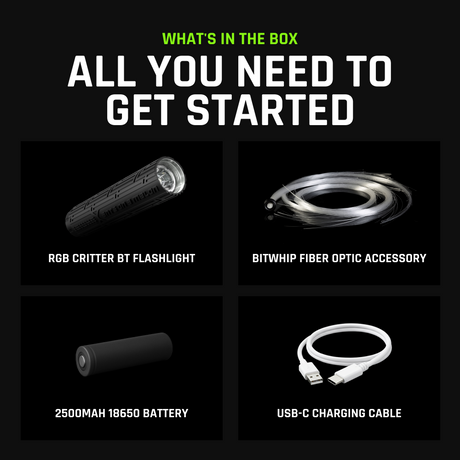
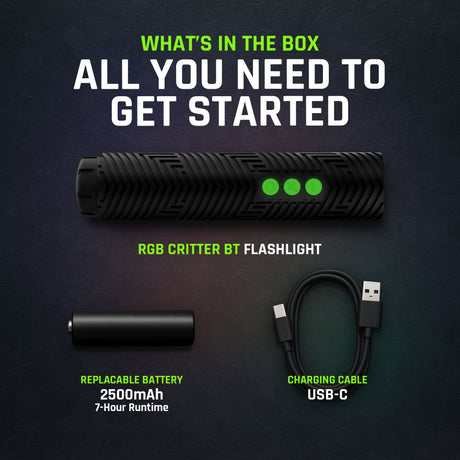
Swap in a fresh cell. Rechargeable cells age: an old 18650 can read fine at rest and still sag under load, which shows up as flicker or sudden cutouts. A known-good 2500mAh 18650 is $9.95 and doubles as your diagnosis tool: if the flicker vanishes with the new cell, you are done.
-
Charge fully and retest. Low charge plus a mode that pushes brightness is a classic intermittent-cutout combination.
A whip that will not turn on at all
Symptom: nothing. No light, no response from the button.
Fix, in order, cheapest first:
-
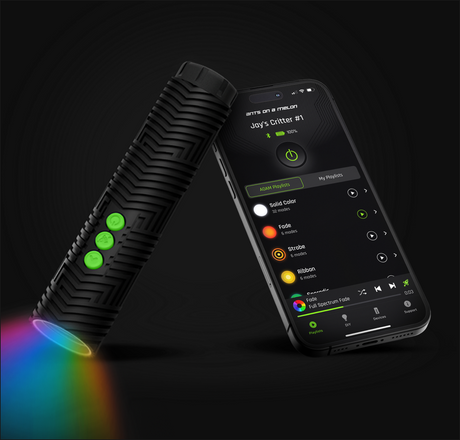
Charge it properly. Use the cable the whip shipped with (the RGB Critter BT charges over USB-C) and give it real time on a charger you know works, in a port you know works. A surprising share of "dead" whips are just empty.
-
Check the cell orientation. Open the battery compartment and match the cell to the polarity markings. A backwards 18650 means no light, and a cell that is the right way around but not fully seated means the same thing.
-
Test with a spare cell. A cell can fail outright, especially one that has been stored dead flat for months. If a fresh battery wakes the whip up, the whip was never broken.
-
Then, and only then, suspect the electronics. If a charged, known-good, correctly seated cell still gets no response, stop and contact the maker rather than opening the driver. For the BitWhip, the RGB Critter BT light carries a 2 year warranty with an optional lifetime upgrade ($19.95), so reach out with your order details before you buy anything.
A fiber head that keeps coming loose
Symptom: the head wobbles, the trail dims when the whip loads up, or the head slowly unscrews during play.
Fix: a loose connection dims the trail and stresses the fibers, so this one is worth two minutes. Unscrew the head fully, wipe the threads and the mating faces clean of grit, and reseat it firmly by hand. If your whip spins on a bearing, as the BitWhip's 360-degree head does, check that the bundle rotates freely after tightening: a bearing that spins freely sheds the twisting forces that would otherwise work the connection loose. Make this a habit; checking the connection point after every session is step three of the two minute reset in our care guide.
When a whip is not worth fixing
Here is the honest limit of a repair guide: not every whip is built to be repaired. Plenty of whips, especially the sub-$50 marketplace ones, sell no replacement fiber and no replacement parts at all, and their brittle fiber tends to shatter within weeks anyway. If that is what you have and the driver is dead or the bundle is gone, the repair honestly ends there. The established makers do better; check replacement part prices for your brand before deciding. Our own answer to this problem is structural: the BitWhip is designed around a removable light, so every part that wears is a part you can buy separately: fiber heads from $29.95, batteries at $9.95, and the RGB Critter BT itself at $149.95 rather than a whole new whip. If you are replacing a whip that could not be saved, the BitWhip Kit starts at $159.95 complete, and it is the last time a single worn part will total the tool.
Prevention: the habits that keep you off this page
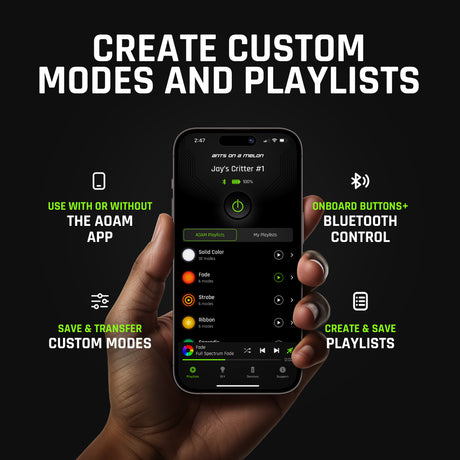
Every fault above is easier to prevent than to fix. After each session: wipe the bundle down with a dry microfiber cloth, tuck any stray strands, and check the head is seated. For storage: coil loosely, never kinked, keep the whip out of hot cars, and use a case instead of the bottom of a gear bag. For the battery: keep a charged spare, do not leave cells at full charge for months, and pull the cell entirely before long storage; independent reviewers have noted roughly 20% drain over two weeks on a light left sleeping, and a slow-drained cell stored flat is how batteries die for good. Keep companion firmware current, since updates carry fixes as well as modes. The complete routine, including cleaning and travel detail, is in the BitWhip care and maintenance guide, and nearly all of it applies to any brand of whip.
Gear you'll want
Trail gone dim from worn fiber
Replacement BitWhip fiber head
$29.95 to $54.95; End Glow or Sparkle, 140 to 300 fibers, 5.5 or 7 ft. Twists onto the RGB Critter BT you already own.
Flicker that follows the battery
2500mAh 18650 battery
$9.95. A fresh cell is both the fix and the diagnosis tool.
Stop the next crushed bundle
BitWhip Travel Case
$29.95 hard shell; crushed-in-a-gear-bag is the most common damage we repair.
Replacing a whip that could not be saved
BitWhip Kit
From $159.95 complete. Built around a removable light, so every wearing part is replaceable on its own.
Fiber whip repair FAQ
Why is my fiber optic whip flickering?
Almost always the battery path: an aging cell sagging under load, dirty contacts, or a cap that has worked loose. Tighten everything, wipe the contacts, and test with a fresh, fully charged 18650. On our bench that sequence clears most flicker on every brand of whip.
Can you fix broken fibers on a whip?
Not individually; a fractured strand cannot be usefully spliced. The repair is cleaning the bundle if it is dirt, tucking strays before they snap, and replacing the fiber head once enough strands have gone dark. On the BitWhip a replacement head is $29.95 to $54.95 and twists on in seconds.
Why is my whip dimmer than it used to be?
Usually one of three things, in order of likelihood: a dirty fiber surface (clean it base to tip with a barely damp microfiber cloth), a loose connection between the head and the light (reseat it), or fractured strands (replace the head).
Why will my LED whip not turn on?
Charge it properly first, on a cable and port you trust. Then check the 18650 is in the right way around and fully seated, and test with a known-good spare cell. If a charged, correctly seated, known-good cell still does nothing, contact the maker; do not open the electronics yourself.
Are fiber optic whips repairable?
It depends entirely on the whip. Established makers sell replacement fiber and parts; many cheap marketplace whips sell none, so a single dead part totals the whole prop. The BitWhip is designed around a removable light specifically so the fibers, the battery, and the light can each be replaced on their own.
How do I stop whip fibers from breaking?
Avoid whipping pavement and sharp edges, store the whip loosely coiled rather than kinked, keep it out of hot cars, and carry it in a hard case rather than loose in a gear bag. If you play hard contact styles, choose end glow fiber over sparkle; the sparkle notches are stress points and snap sooner.

Ants on a Melon team, Oregon
We design the BitWhip and the RGB Critter BT, we repair the whips that come back, and most of what lands on our bench leaves fixed the same day.