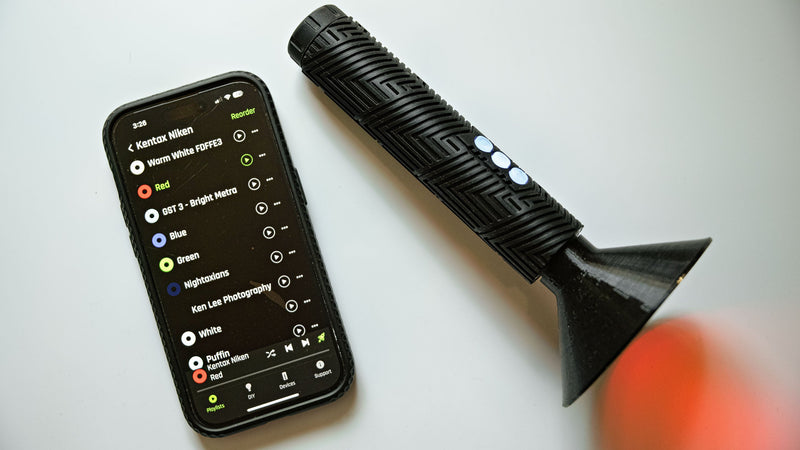
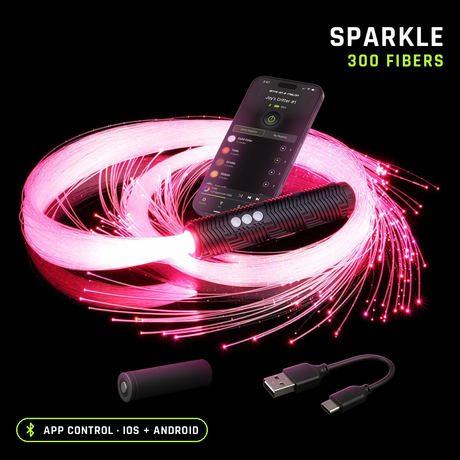
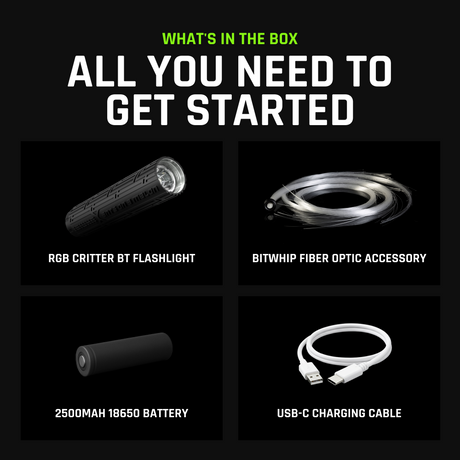
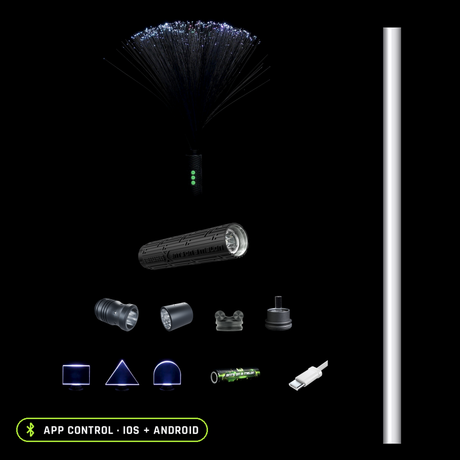
Micah Enguio (@micaezra) is a flow instructor in the Philippines, and Micah sent us this walkthrough of the RGB Critter BT: an unboxing, a side-by-side with the original Critter, a tour of the app, and a BitWhip fiber head clicking on.
Old Critter vs Critter BT
"Which I absolutely love." Micah, on the BT's screw-on battery cap
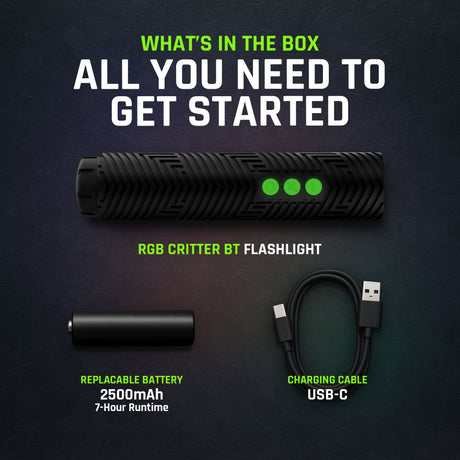
The upgrade Micah keeps coming back to is the cap. The old Critter needed a key to open, while the BT's cap screws off by hand and the light charges over USB‑C.
The app and the BitWhip
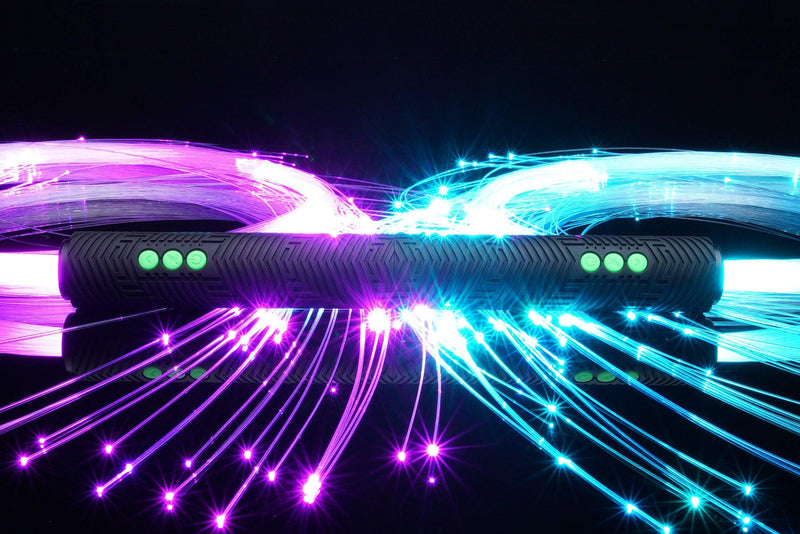
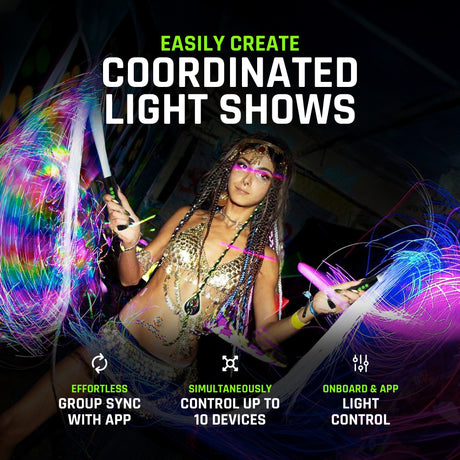
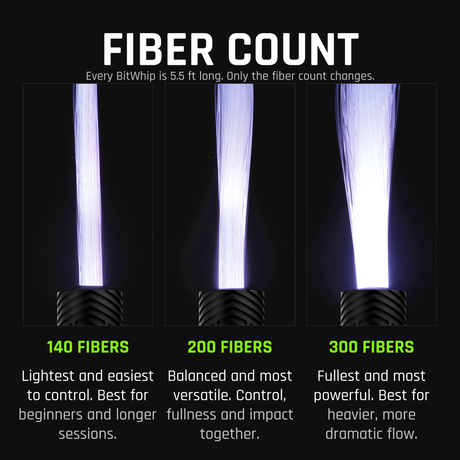
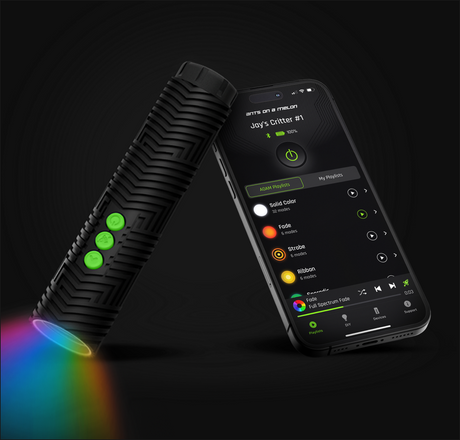
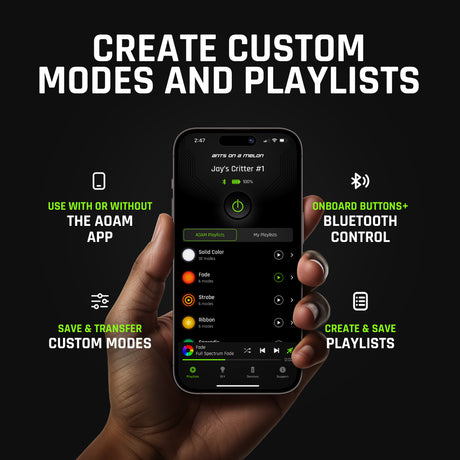
Then the app: up to 100 brightness levels, 100 strobe speeds, and up to 10 Critters controlled at once, which matters a lot when you're running a class. Micah finishes by attaching a BitWhip fiber head, the way most flow kits go on the Critter.
Video by Micah Enguio. Find Micah at @micaezra. Thanks Micah, it's a great watch :)