30-day returns4.7 · 900+ reviewsDesigned in Oregon
How to Photograph Light Orbs: A Complete Light Painting Tutorial
Ants on a Melon6 min read
The glowing orb, a perfect floating sphere of light, is the shot that hooks most people on light painting. It looks like CGI and takes about five minutes to learn. We are Ants on a Melon, we shoot these constantly, and this guide covers the whole thing: the gear, the exact camera settings, the spin technique, a few variations, and how to fix the mistakes everyone makes at first. It is a deeper dive on the orb from our guide to seven light painting techniques.
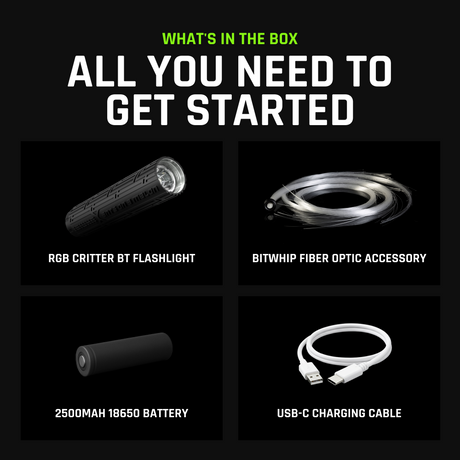
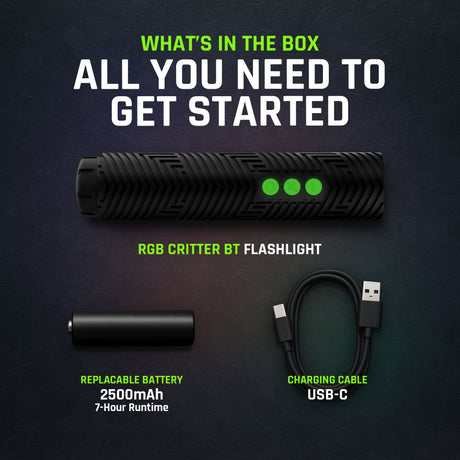
An orb needs surprisingly little: a camera with Manual or Bulb mode (a phone with a long-exposure app works), a tripod, a small bright light on a string, and darkness. We use the RGB Critter BT on a short cord so we can pick any color from the app, but any small bright light works to learn.
Tie your light to a string about 30 to 40 cm long. Knot it tight; a light that flies off mid-spin ends the session fast.
Set the light to one bright, solid color. Save the color-changing tricks for later; a single hue reads cleanest on your first orbs.
Find a dark space, indoors or out. The darker the background, the cleaner the sphere.
Put the camera on the tripod and pick the exact spot where you will stand. Mark it with your shoe, a coin, anything you can find again in the dark.
Stage 2: Learn the spin-and-turn (before you touch the shutter)
Practice this with the camera off. The motion is the whole trick, and thirty seconds of dry runs saves twenty ruined exposures.
Stand on your mark and spin the light in a steady vertical circle at your side, like turning a small wheel next to your hip.
Lock in one speed and one arm position. Every pass of the string should trace the same diameter.
While spinning, slowly rotate your whole body a full 360 degrees on the spot.
Aim to finish exactly one full body turn in about the time your exposure will run.
That is the entire technique. The vertical circle draws the sphere; turning your body wraps it all the way around into a ball.
Three habits that make the circle perfect
Even speed beats fast. One smooth, complete rotation looks better than three rushed ones.
Keep your arm and the string length constant so every pass traces the same diameter.
Turn your body at a steady rate that finishes exactly one full circle by the end of the exposure.
Stage 3: Camera settings and the shot
These starting settings work in almost any dark location. Adjust from here, not from scratch.
Mode: Manual or Bulb
Shutter: 20 to 30 seconds (long enough to finish a full turn)
ISO: 200
Aperture: f/8
Focus: manual, pre-focused where you will stand
White balance: Daylight
Then shoot it:
Pre-focus on your mark. The easiest way: stand a light on the spot, focus on it, then switch the lens to manual so the focus cannot hunt in the dark.
Start the exposure with a 2-second timer or a remote so you do not shake the camera, and walk to your mark.
Do the spin-and-turn exactly as you practiced: steady vertical circle, slow full-body rotation.
Finish the complete turn before the shutter closes, then stop and hold still.
Check the back of the camera. Adjust one thing at a time: turn speed first, then brightness or ISO.
Variations to try
Orb beside a person: have someone stand still just outside the spin; the floating orb next to a sharp subject is the classic look.
Color-shift orb: set the RGB Critter BT to a slow color cycle so the sphere fades through hues.
Orb in a location: place it over water, a trail, or a cityscape for context and reflections.
Floating orb: shoot from a low angle so the sphere appears to hover in mid-air.
Troubleshooting: fix it in one reshoot
Every one of these has a boring, mechanical cause. Nothing here is a gear problem.
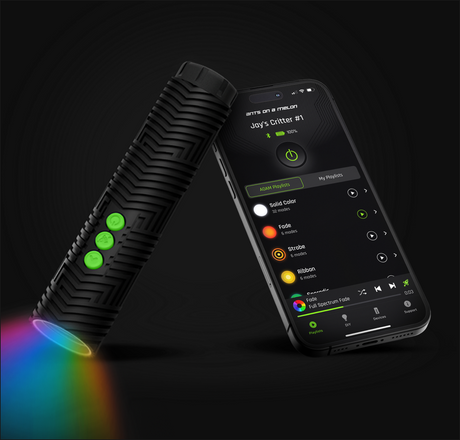
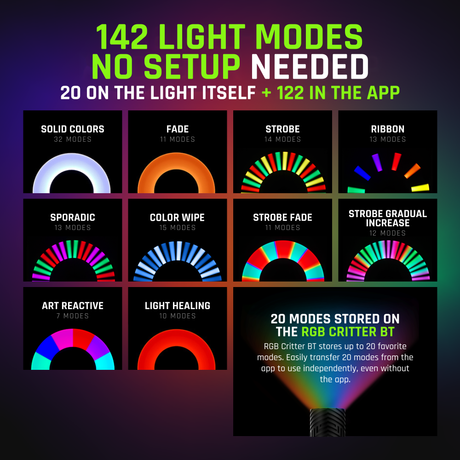
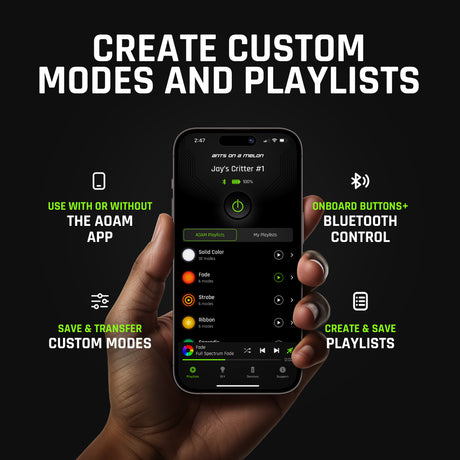
App-controlled, 170 lumens, 16.7 million colors and 145+ modes from your phone, and it works without the app too. It is also the removable core behind 200+ twist-on light painting tools, so it will not stop at orbs.
Spin a light on a string in a steady vertical circle while slowly turning your body a full 360 degrees, all during one long exposure on a tripod.
What settings do I use for light orbs?
Start at a 20 to 30 second shutter, ISO 200, f/8, manual focus, Daylight white balance, in a dark space.
What light is best for orbs?
A small, bright, single-color light on a string. An app-controlled light like the RGB Critter BT lets you change the orb's color and brightness easily.
Why is my orb not a full sphere?
Almost always because the body turn did not complete in time. Slow the turn so one full rotation finishes as the shutter closes.
Can I shoot light orbs with a phone?
Yes. Any phone with a long-exposure app, held steady on a tripod, can capture an orb. The technique is identical; only the shutter control changes.
Which light painting kit should a beginner buy?
The Light Painting Kit for Beginners ($199.95, 10 tools in the box) has everything you need to start: the RGB Critter BT, Acrylic Writer, Fiber Optic Duster, Light Painting Tube and a Blade Holder with three acrylic blades. The Starter Kit ($421.95, 21 tools) is the complete toolset for one light, and the Pro Kit ($971.95, 48 tools) adds a second light and nearly all of our light painting accessories. New to it? Start with the Beginner Kit, since everything else can be added later.
Choosing a selection results in a full page refresh.
*New customers only. Single use, one per customer. Excludes sale items, gift cards and warranty. Cannot be combined with other discount codes or promotions.
Added To Cart
Special Price
Complete your setup:
International Shipping Restriction
This lithium-ion battery cannot be shipped internationally and cannot be added to your cart.
You can purchase the required battery locally with these specifications:
18650
Lithium-ion
3.6V nominal
Unprotected
Flat top
18.3mm diameter × 65.0mm length
Do not purchase protected, button top, 3.2V, or 1.5V cells.
Ants on a Melon is not responsible for batteries purchased from third-party sellers. Please verify specifications and use only high-quality lithium-ion cells from reputable brands.
LIFETIME WARRANTY
Every item in your order, for life.
Our gear comes with a 2-year warranty. This upgrade extends every item in your order to lifetime.
WHAT YOU ALREADY GET
2 years on everything in your order, free. Batteries have their own 60-day warranty, and the Orb has no warranty.
WHAT THIS ADDS
If anything in this order fails from a defect, we repair or replace it for as long as you own it.
NO HASSLE CLAIMS
Email us photos or a short video. Most repairs are back out in 2 to 3 working days.
NOT COVERED
Physical damage such as a cracked or crushed housing, loss, theft, broken fiber strands and normal battery wear.
International duties & VAT
A quick heads-up for orders shipping outside the US.
Set by your destination
Import duties and VAT are charged by your country's customs, not by Ants on a Melon.
Paid on delivery
Your carrier collects any charges when they deliver. Amounts vary by country.