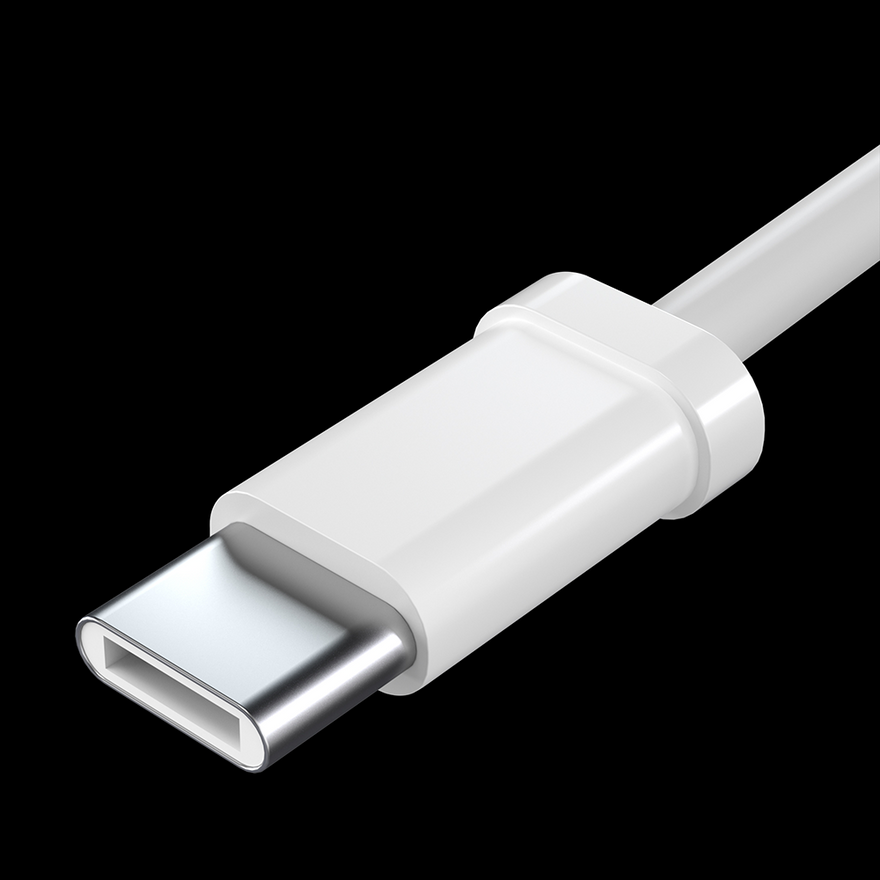
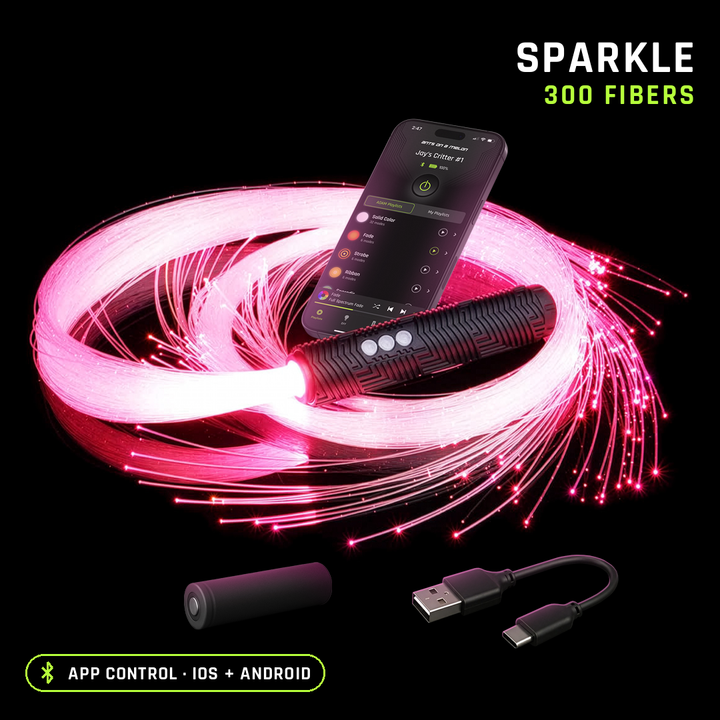
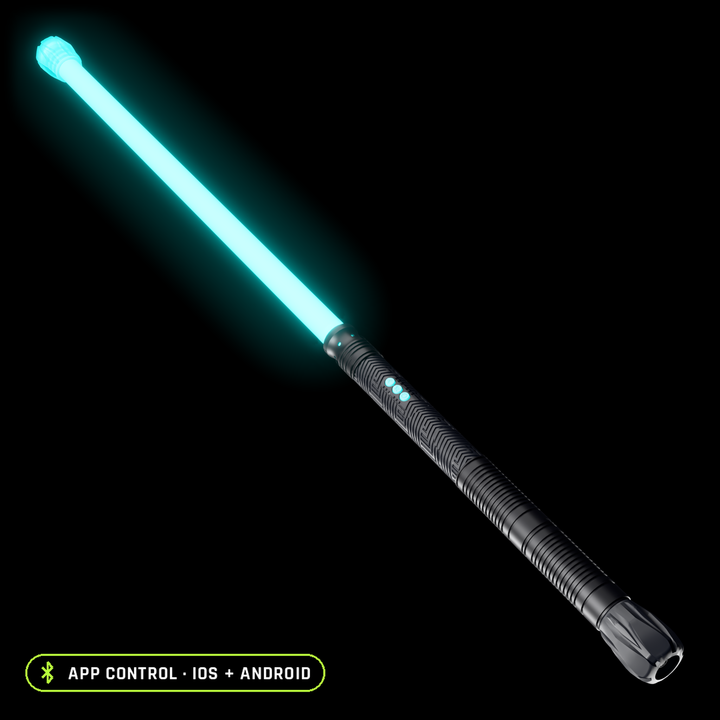
Charge-only USB cable for the RGB Critter Light Engine.
Pick the connector that matches your light: USB-C for the RGB Critter BT, Micro-USB for the RGB Critter 1.0 and 2.0. It needs a standard 5V USB-A power source, as USB-C Power Delivery is not supported. Some USB wall adapters and USB-C PD chargers may not supply power to devices that do not support PD.
Full details and specs
Show less
For best results and to avoid charging issues, we recommend using the included cable or an equivalent USB-A to USB cable that properly fits the charging port. Cables with oversized connector housings or incompatible charging standards may prevent charging or cause damage if forced.
Charging details
- USB standard: USB 2.0
- Function: charge only (no data)
- Power requirement: standard 5V USB power
- USB-C Power Delivery (PD): not supported
Common questions
Which cable do I need?
USB-C for the RGB Critter BT, and Micro-USB for the RGB Critter 1.0 and 2.0.
Can I use a fast charger?
Use a standard 5V USB-A power source. USB-C Power Delivery isn't supported, and some PD chargers won't supply power to a device that doesn't support it.