We design the BitWhip in Oregon, and we also repair the ones that come back, so we know exactly what kills a fiber whip: grit on the strands, tight coils, crushed bundles, and neglected batteries. None of it is inevitable. A few minutes of care after each session keeps the trails bright, the strands intact, and the electronics healthy for years. Here is the complete routine we use on our own whips.
Daily care: the 2-minute reset after every session
This is the habit that matters most. Do it while the session is still fresh and the whip never gets a chance to degrade.
-
Do wipe down the fiber bundle. Use a soft, dry microfiber cloth and gently run it down the length of the strands from base to tip. This removes dust, sweat, and floor grime that dull the light output.
-
Do check the strands for stragglers. Tuck any loose fibers back into the bundle. Catching a stray strand early prevents it from snagging and snapping mid-spin.
-
Do inspect the connection point. Make sure the fiber head is seated firmly on the RGB Critter BT. A loose connection dims the trail and stresses the fibers.
-
Don't toss it straight into a gear bag. A whip buried under the rest of your kit picks up exactly the crushing and snagging the first three steps just prevented.
Storage and travel: loose coils, cool and dry
Most fiber damage we see on the repair bench did not happen mid-performance. It happened in a hot trunk or at the bottom of a backpack.
-
Do coil loosely. Loose coils preserve the fiber alignment and prevent permanent bends.
-
Don't store the whip in a tight kink. A hard fold today is a dark crease in your trail next month.
-
Do use a travel case. The BitWhip Travel Case ($29.95) protects the bundle from crushing and the strands from snagging in a gear bag.
-
Don't leave it in a hot car. Heat can soften the silicone and stress the fibers. Keep it cool and dry.
-
Do pull the battery before long storage. More on that in the battery section below.
Cleaning the fibers: base to tip, never against the grain
Fiber optics carry light along their length, so anything coating the surface scatters and dims your trails. When a dry wipe is not enough:
-
Do dampen a microfiber cloth with a little lukewarm water. Don't use harsh solvents, which can cloud the fiber surface.
-
Do draw the bundle gently through the cloth, base to tip. Never scrub against the grain.
-
Do lay the whip flat and let the fibers air dry completely before storing or powering on.
If a section stays dim after cleaning, the fibers may be fatigued or fractured internally. That is normal wear on a heavily used whip, not a defect, and it is exactly what replaceable fiber heads are for.
Fiber repair: swap the head, not the whip
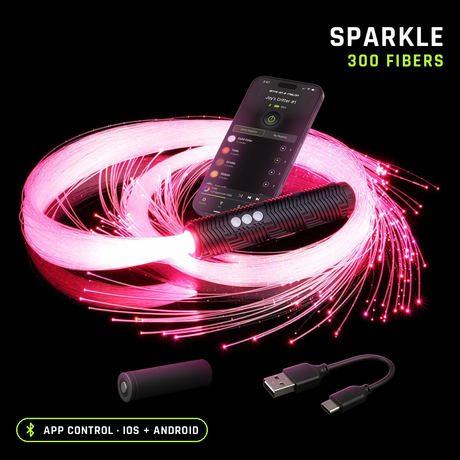
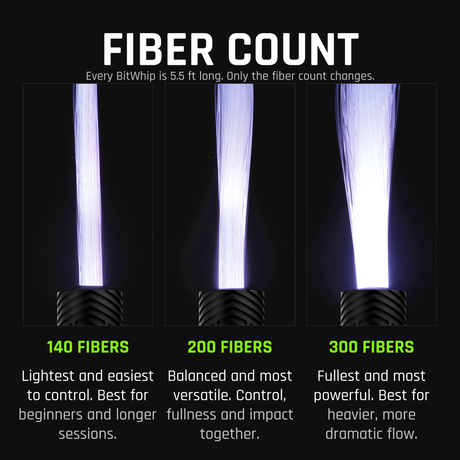
Fibers are the one true consumable on a performance whip. After enough spins, hits, and floor contact, some strands will fracture and the trail loses brightness. Because the BitWhip is part of a modular system, you do not replace the whole tool, you swap the fiber head. Replacement heads come in End Glow and Sparkle finishes and in 140, 200, and 300 fiber counts, and they cost a fraction of what many competitors charge for a full replacement whip. That low cost of ownership is a core reason performers choose the BitWhip.
Not sure which finish to re-order? Our End Glow vs Sparkle guide breaks down brightness and durability for each. And remember the whip carries a 2-year warranty and loose fiber bundles are always replaced free: normal fiber wear is on you, but if the whip fails, that is on us.
Battery and light care: the swappable 18650 advantage
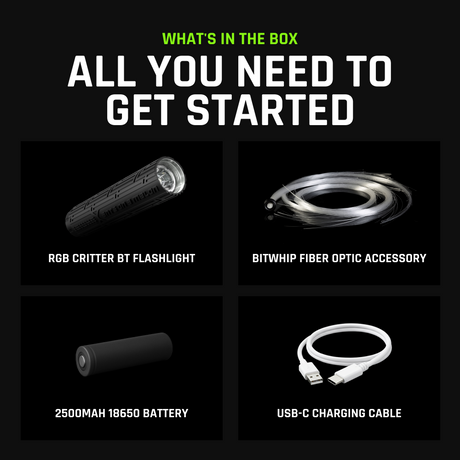
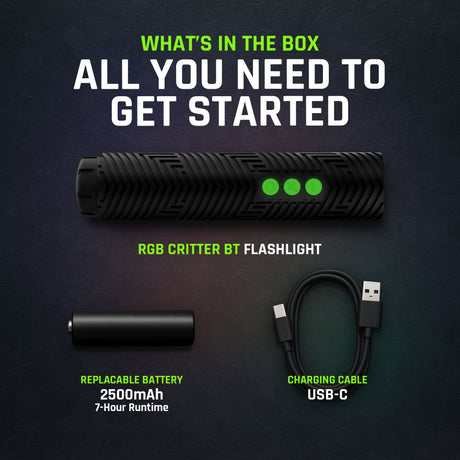
The BitWhip is powered by the RGB Critter BT, which runs on a replaceable 18650 battery. This is a deliberate design choice: at a festival or gig you swap a drained cell for a fresh one in seconds instead of waiting on a charge, then get back to your 7 hours of runtime. To keep batteries healthy:
-
Do charge with the included USB-C cable, and don't leave cells at full charge for months on end.
-
Do carry a spare charged 18650 in a protective case for back-to-back sets.
-
Do remove the battery for long storage. This avoids slow parasitic drain and any risk of leakage. Independent reviewers noted roughly 20% battery drain over two weeks if a unit is left in Deep Sleep, so for long stretches, pull the cell entirely.
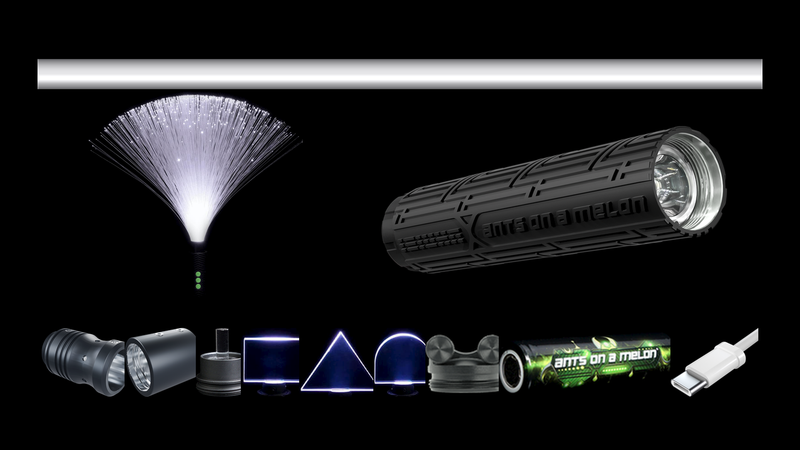
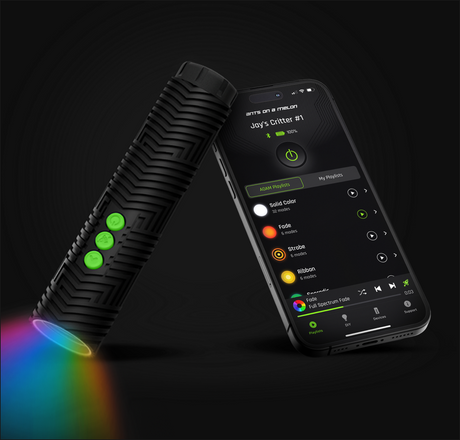
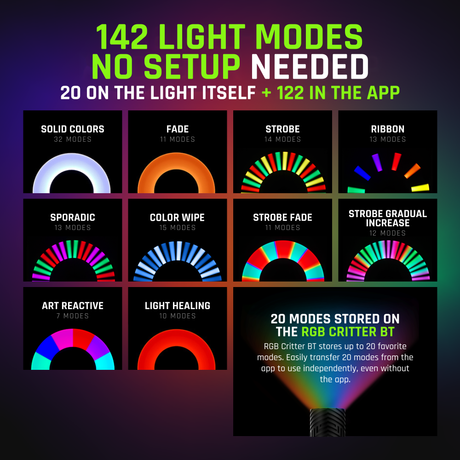
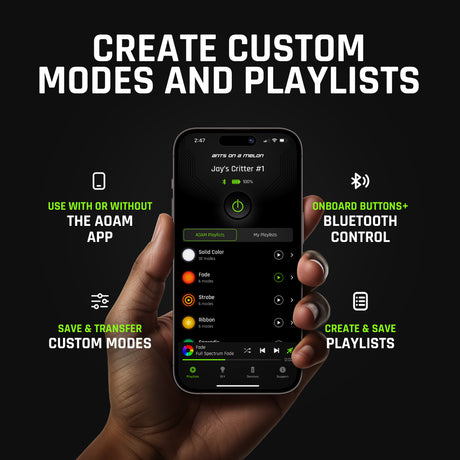
The light is the brain of the whip, so give it the same respect: keep its firmware current through the AOAM companion app so you get the latest modes and fixes, keep the USB-C port free of lint, and protect the silicone button shell from grit. For everything the Critter can do beyond the whip, see our full RGB Critter accessory guide.
Gear you'll want
Trail getting dim from fiber wear
Replacement BitWhip fiber head
$29.95 to $54.95 depending on fiber count; twists onto the RGB Critter BT you already own.
Something failed under normal use
Check the warranty page
The whip and the RGB Critter BT light both carry 2 years, with a lifetime upgrade available in the cart.
BitWhip care FAQ
Can I get my BitWhip wet?
A light wipe with a barely damp cloth is fine, but the BitWhip is not waterproof. Keep the RGB Critter BT and battery compartment dry, and let the fibers fully air dry before powering on.
How long do the fibers last?
It depends entirely on how hard you spin and what surfaces you contact. Treat fiber heads as a consumable; when the trail noticeably dims, swap the head rather than the whole whip.
Why does my whip look dimmer than it used to?
Usually one of three things: a dirty fiber surface (clean it), a loose connection to the Critter (reseat it), or fractured strands (replace the fiber head).
Is the BitWhip covered by warranty?
Yes. The whip and the RGB Critter BT light both carry a 2-year warranty, with a lifetime upgrade available in the cart. Normal fiber wear is a consumable, but if the whip fails under normal use, reach out to support with your order details.
Does whip care differ from caring for the rest of the RGB Critter system?
The light care is identical, since the same RGB Critter BT powers 200+ twist-on tools. The fiber routine above is specific to the whip; solid acrylic tools mostly just need a wipe-down.

Ants on a Melon team, Oregon
We design the BitWhip and the RGB Critter BT, we repair the whips that come back, and we would rather you buy the right gear than our gear.