30-day returns4.7 · 900+ reviewsDesigned in Oregon
Paulina Toscano Shows Off the RGB Critter BT App
Ants on a Melon1 min read
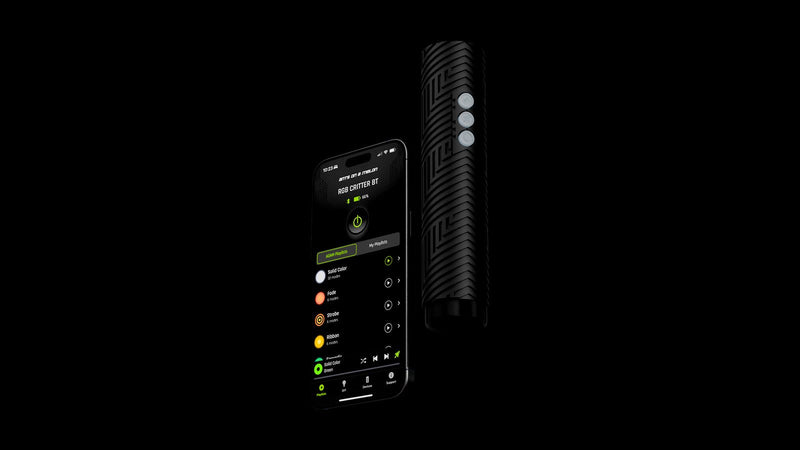
Paulina Toscano (@pauliiiipocket) is a flow artist, and Paulina sent us this walkthrough of the RGB Critter BT app: picking a color mode, running the solid color playlist, then building a custom playlist and a custom mode.
Color modes and playlists
"This app is so cool and so user-friendly." Paulina, on the RGB Critter BT app
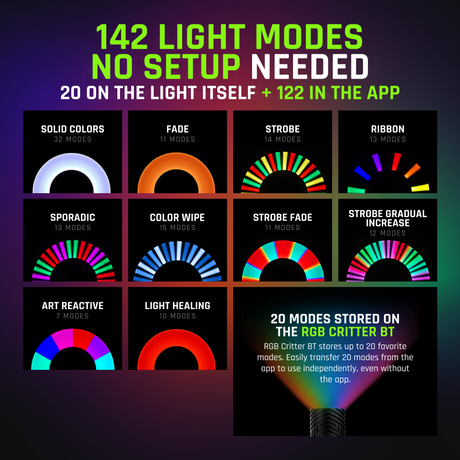
Press the power button and there are tons of color mode options. In the solid color playlist, tap play and click through the colors. Paulina says seeing each color and its name in the app makes a massive difference.
Building your own playlist takes a few taps: click the color you want, tap the three dots, choose Create custom playlist and add all the colors you like.
Make your own mode
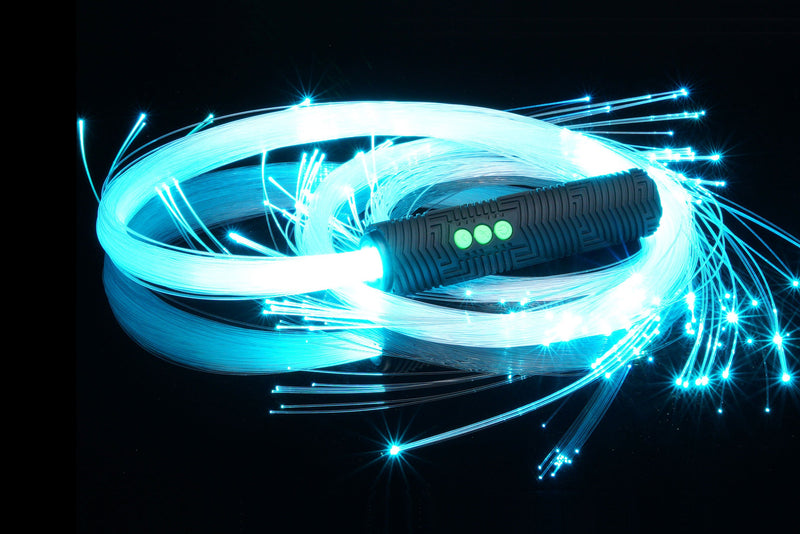
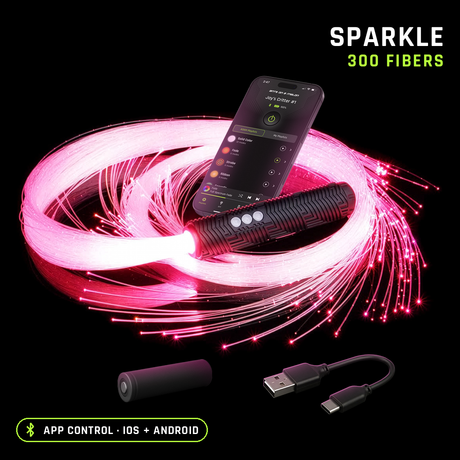
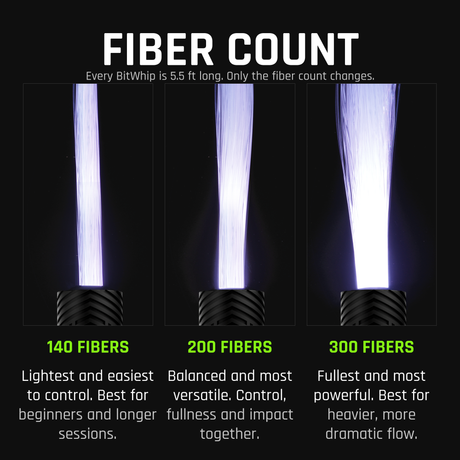
Custom mode goes one step further. Set the effect, the speed and the colors, click Done and save it. The last stretch of the video is Paulina flowing with a BitWhip fiber optic whip lit by the Critter.
Video by Paulina Toscano. Find Paulina at @pauliiiipocket. Thanks Paulina, it's a great watch :)
Choosing a selection results in a full page refresh.
*New customers only. Single use, one per customer. Excludes sale items, gift cards and warranty. Cannot be combined with other discount codes or promotions.
Added To Cart
Special Price
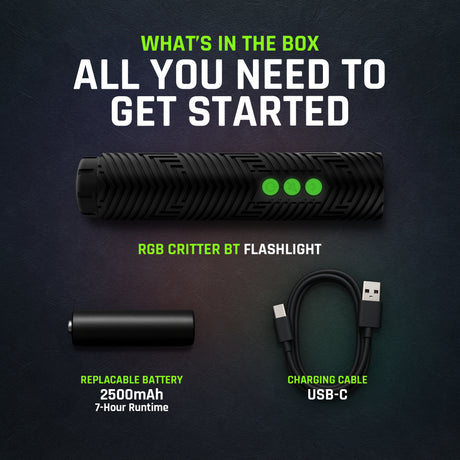
Complete your setup:
International Shipping Restriction
This lithium-ion battery cannot be shipped internationally and cannot be added to your cart.
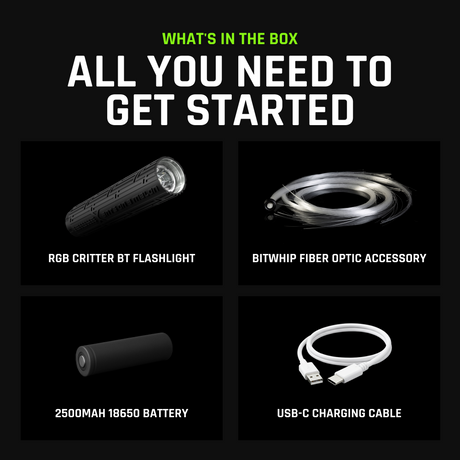
You can purchase the required battery locally with these specifications:
18650
Lithium-ion
3.6V nominal
Unprotected
Flat top
18.3mm diameter × 65.0mm length
Do not purchase protected, button top, 3.2V, or 1.5V cells.
Ants on a Melon is not responsible for batteries purchased from third-party sellers. Please verify specifications and use only high-quality lithium-ion cells from reputable brands.
LIFETIME WARRANTY
Every item in your order, for life.
Our gear comes with a 2-year warranty. This upgrade extends every item in your order to lifetime.
WHAT YOU ALREADY GET
2 years on everything in your order, free. Batteries have their own 60-day warranty, and the Orb has no warranty.
WHAT THIS ADDS
If anything in this order fails from a defect, we repair or replace it for as long as you own it.
NO HASSLE CLAIMS
Email us photos or a short video. Most repairs are back out in 2 to 3 working days.
NOT COVERED
Physical damage such as a cracked or crushed housing, loss, theft, broken fiber strands and normal battery wear.
International duties & VAT
A quick heads-up for orders shipping outside the US.
Set by your destination
Import duties and VAT are charged by your country's customs, not by Ants on a Melon.
Paid on delivery
Your carrier collects any charges when they deliver. Amounts vary by country.