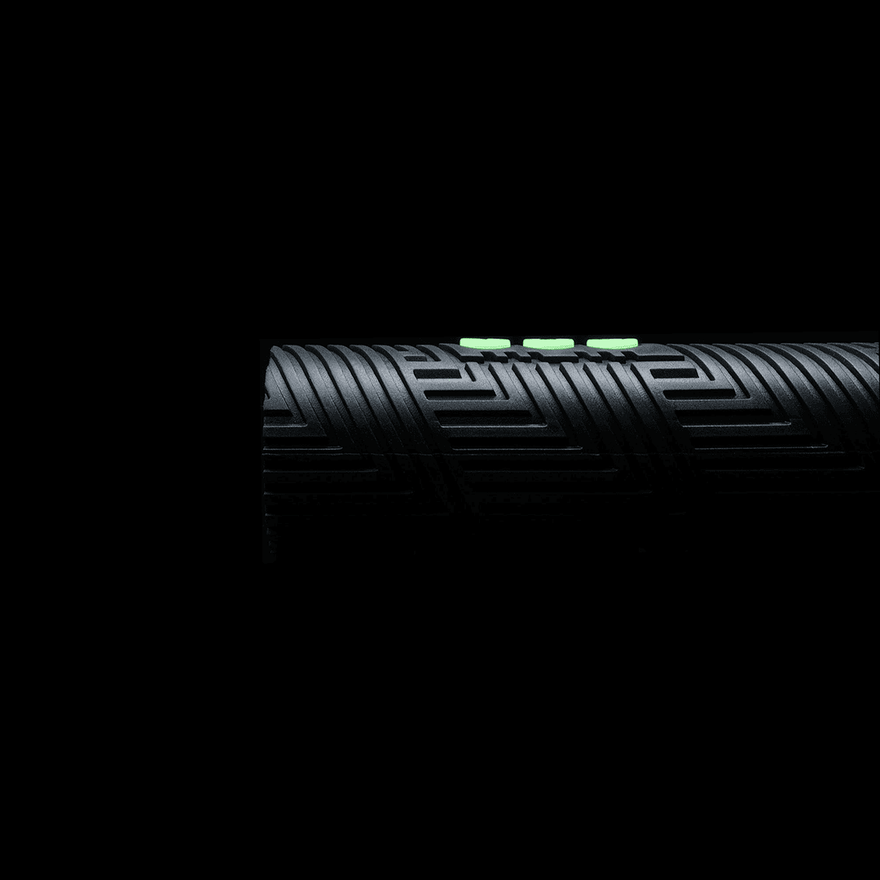
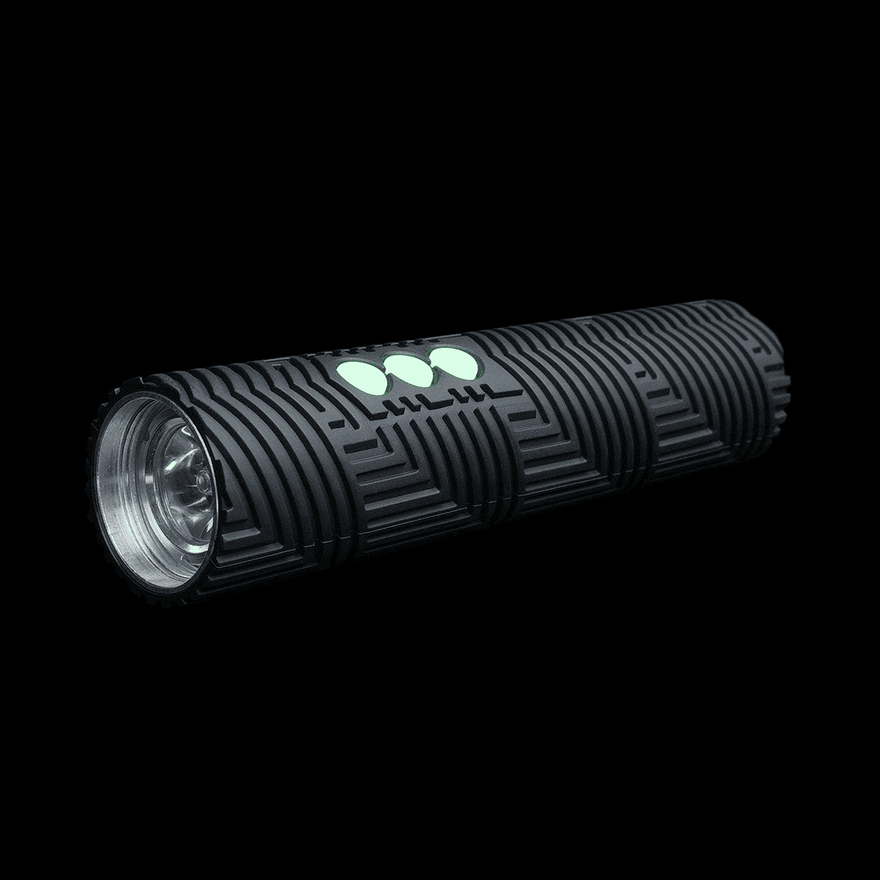
RGB Critter Silicone Sleeve
WRITE REVIEW
NOTICE: This product is only compatible with the RGB Critter 1.0 and 2.0 Flashlights. It is NOT compatible with the RGB Critter BT Flashlight.
Choose from a variety of colors to replace the Silicone Sleeve on your RGB Critter Flashlight. The Non-Raised Button Sleeve has buttons flush with the body of the sleeve.
How to replace a sleeve
Warm the silicone sleeve with a hair dryer first to make it more flexible and easier to install (do not heat the aluminum body of the Critter, as it may damage the battery or electronics). To remove, place the bottom of the Critter on a hard surface and use both hands to slide the sleeve downward.

To install a new sleeve, reverse the process and slide it on from the bottom of the aluminum housing, making sure the buttons align with the button holes. Use both hands for both steps, and be careful, as it can be hard on your hands and elbows.